
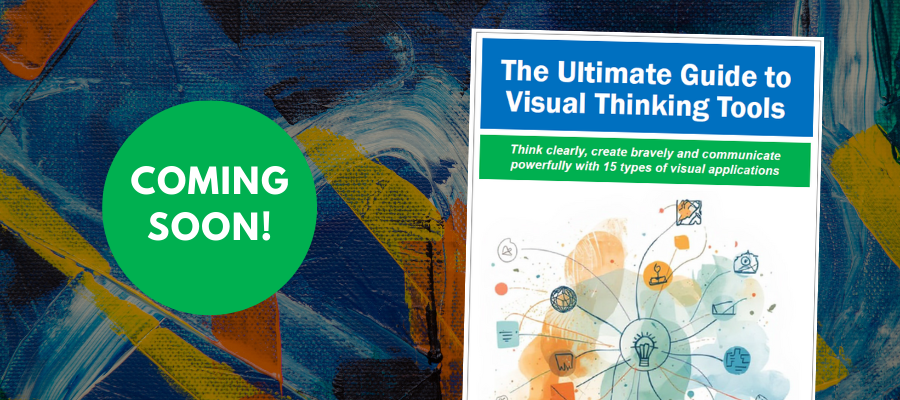
I’m currently putting the finishing touches on a new, comprehensive guide to 15 types of visual thinking tools.
During the last five years, the number and variety of visual thinking tools has exploded. But nothing has been published to help you understand what each type of tool is, what it does and which high-value tasks it can help you with – until now.
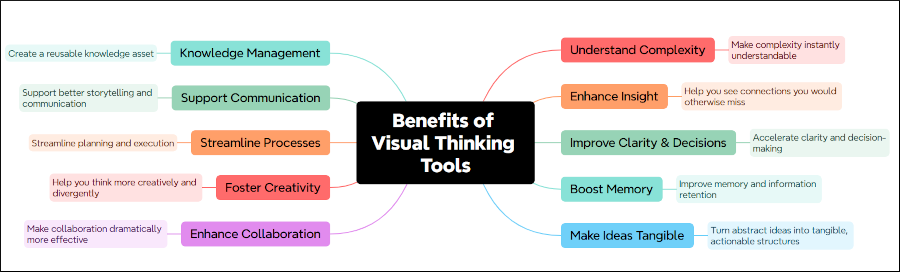
The fact is that this genre of applications can deliver an incredible amount of value and accelerate how you think, plan and achieve results. Here’s a taste of what they make possible – presented visually, of course:
What’s contained in the Ultimate Guide to Visual Thinking Tools?
This new guide will remove all the mystery surrounding visual thinking tools. It will provide you with concise, useful knowledge and advice to help you select the ones that will help you boost your productivity, creativity and results.
The Ultimate Guide to Visual Thinking Tools contains:
- An overview of the challenges that busy business people face today
- A compelling picture of how visual thinking tools can help solve those problems
- The top 10 benefits of visual thinking tools
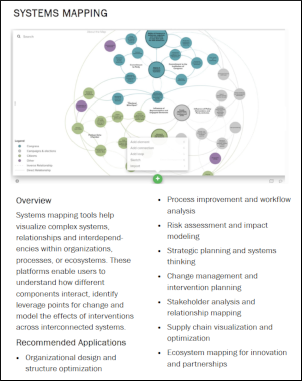
- Profiles of 15 types of visual thinking tools, including recommended applications, advantages and disadvantages, recommended tools (free and paid) and links to resources where you can learn more
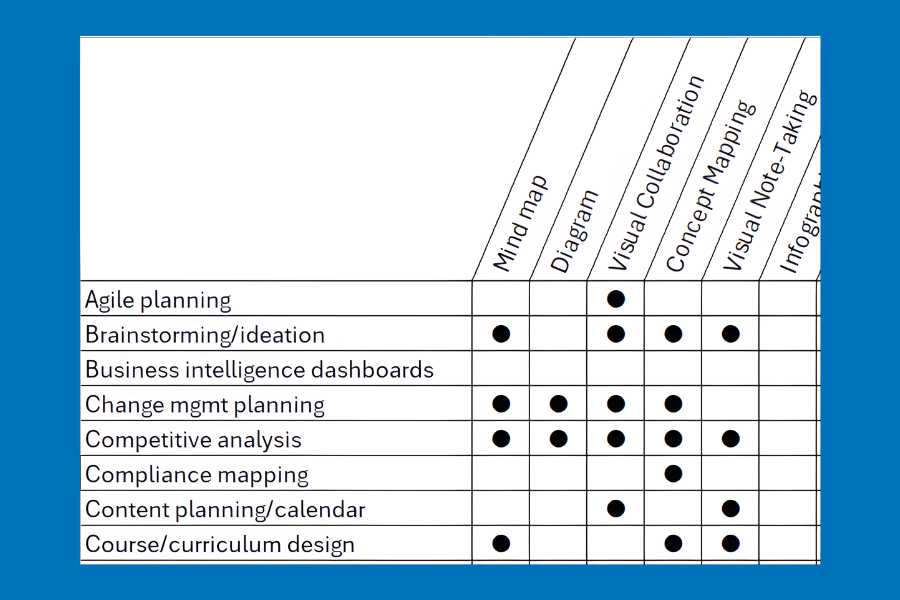
- A chart that lists recommended tool types for 45 popular business tasks
Which tool types are covered in the book?
The Ultimate Guide to Visual Thinking Tools includes profiles of every important category of applications in this vibrant category of applications.
 Mind mapping
- Diagramming
- Visual collaboration
- Concept mapping
- Visual note-taking
- Infographics
- Visual documentation
- Visual PKM
- Online graphics
- Data visualization
- Kanban boards
- Visual storytelling
- Presentations
- Systems mapping
- Visual AI
The most valuable part: An application selector
This spreadsheet provides a concise, visual overview of 44 common business tasks and the visual thinking tools that are best suited to help you with them. This chart will help you focus your search on the tool categories that can help you. I’m still working on it, but this screen shot will give you an idea of what I’m creating.
Reserve your copy today
To be alerted when this guide is launched, please send me your email address:
Leave a Reply